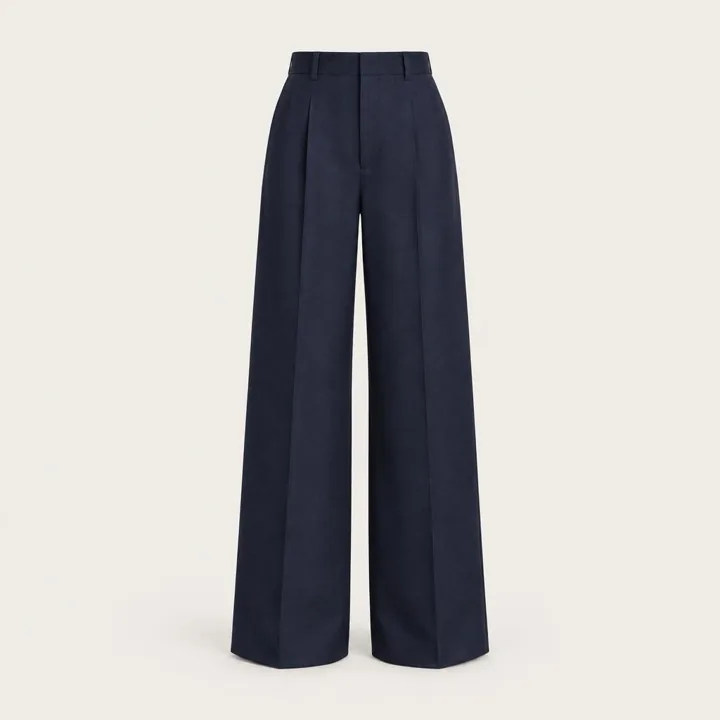
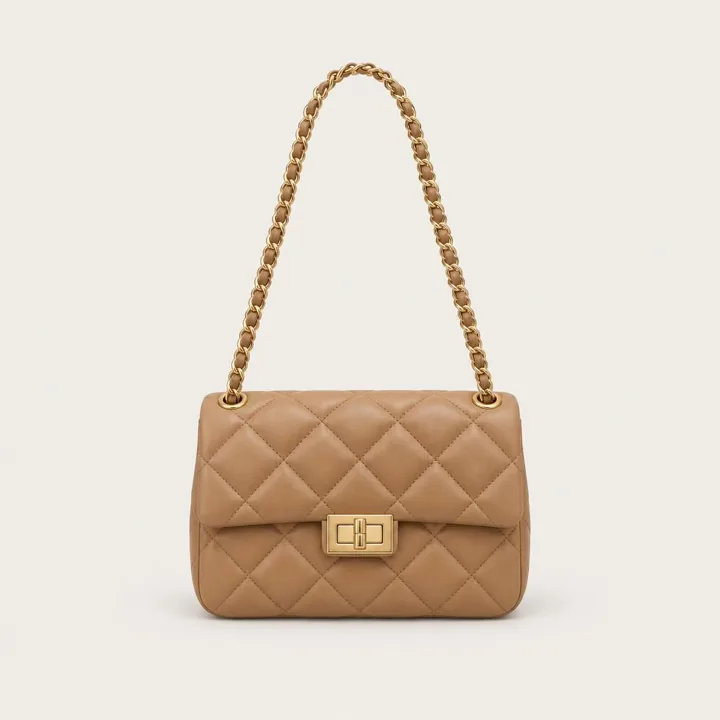
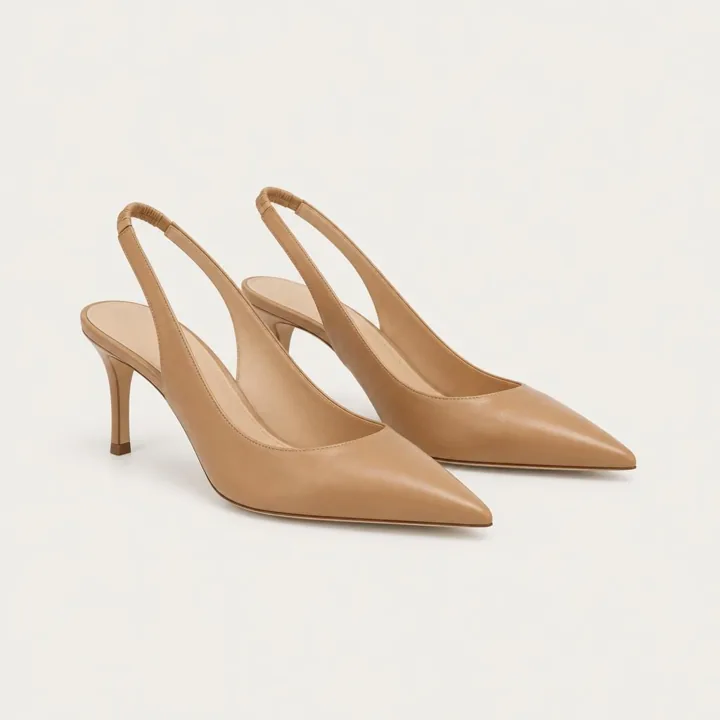
Whole looks, not single items
Layer a coat over a blouse with trousers and a bag, and see how the pieces work together.

Virtual try-on for fashion retail
Instawear adds an AI fitting room to your product pages. Shoppers add one photo and see themselves wearing your pieces in seconds, styled in your brand's own look.
Works with Shopify, Salesforce Commerce Cloud and any website.
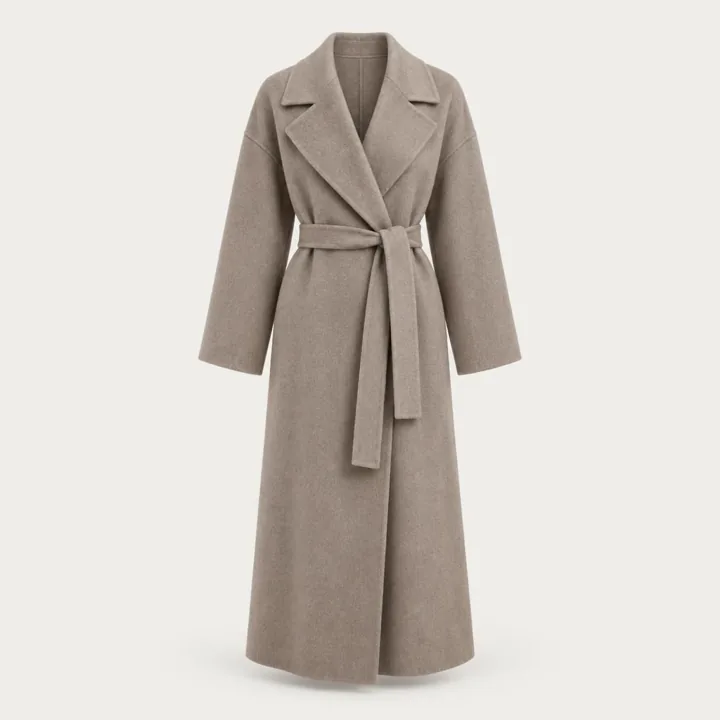
Atelier Solenne
Cashmere Wrap Coat
$5,600
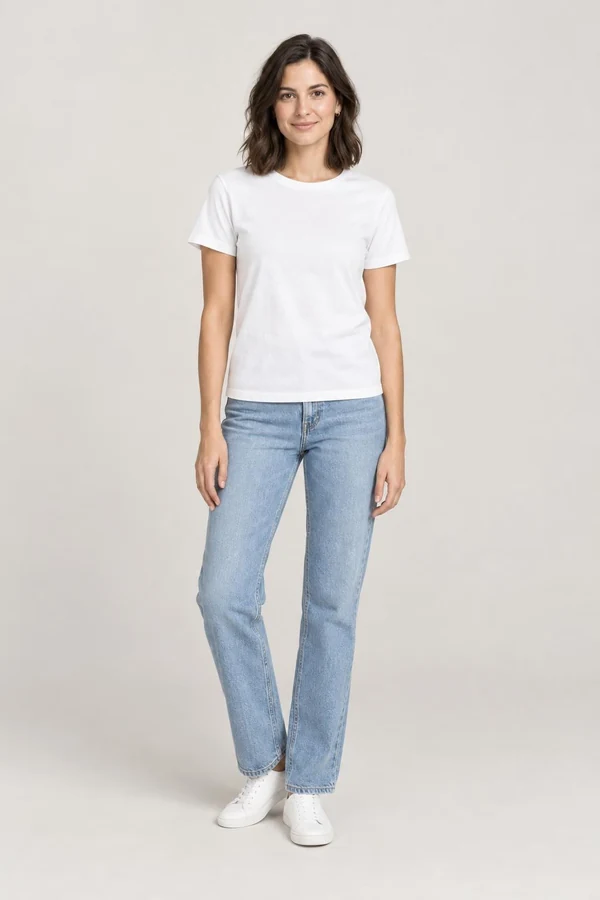
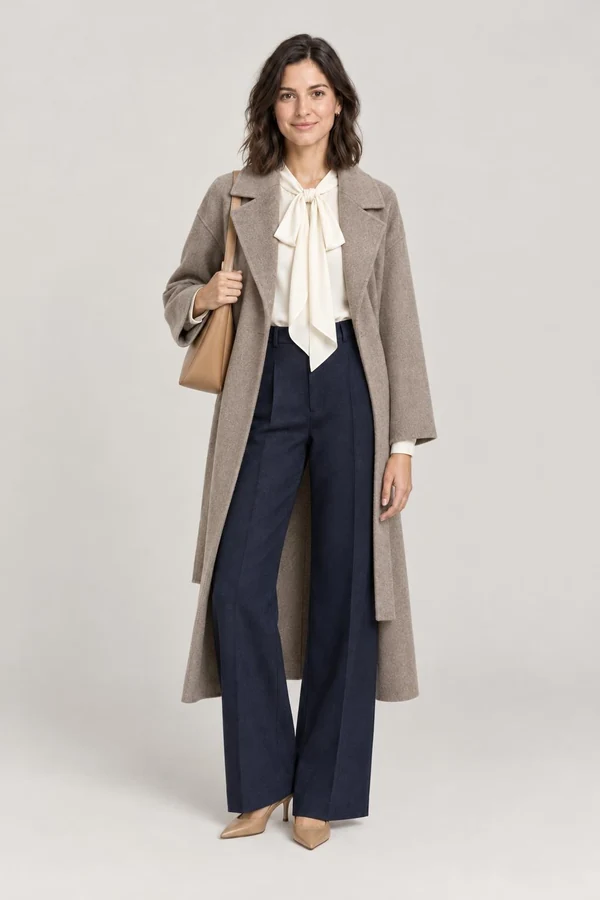
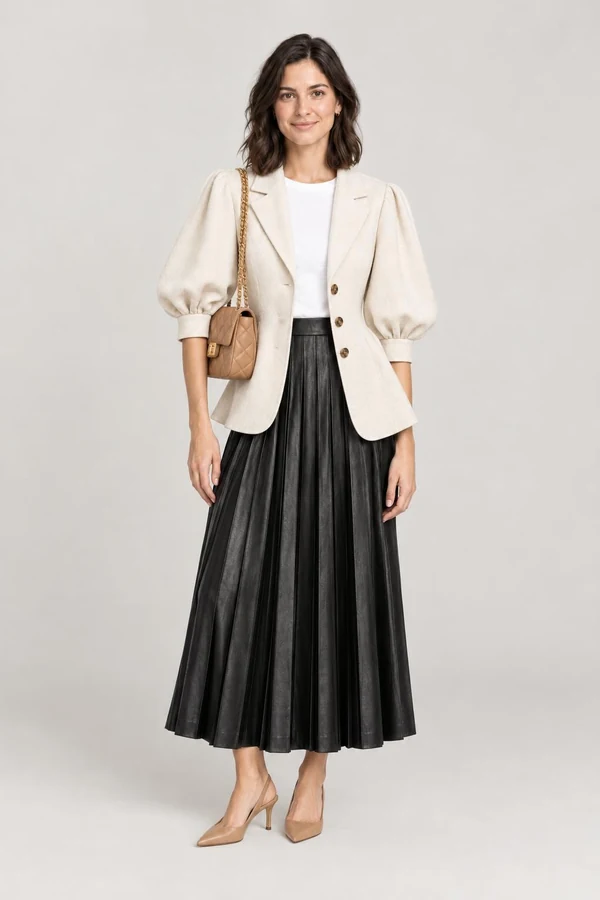
How it works
A button on each product page you choose, in your colours and type. Instawear only shows it on pieces that can be tried on.
We check it in a few seconds for pose, framing and quality, and block anything unsafe. It's saved to their Instawear profile, so next time they skip this step.
The piece appears on them, and they can add a top, trousers or a bag to try the whole outfit. Every item goes straight into your bag and checkout.
For your shoppers
Shoppers get the confidence of a changing room without leaving the sofa, and the help of a stylist who knows your whole catalogue.
Layer a coat over a blouse with trousers and a bag, and see how the pieces work together.
Shoppers ask “what goes with this?” or “an outfit for a summer wedding” and get looks from your catalogue they can try on in one tap. It can hand over to your live chat.
Shoppers save their sizes once. Your size guide sits right next to the look.
Looks are saved to the shopper's profile. They can send one to a friend for a second opinion with a link that stops when they say so.
Shoppers scan a product's barcode on the shop floor and the Instawear app opens it, ready to try on. A QR code at the counter gets them the app, and your team can help them take their first full-length photo.
No passwords. A shopper who has used Instawear at another store is ready to try on at yours straight away.
For your team
The Instawear console shows what your shoppers are trying on and which looks turn into sales, so merchandising and marketing work from real interest, not guesses.
 OverviewLast 30 days
Most tried
Cashmere Wrap Coat2,940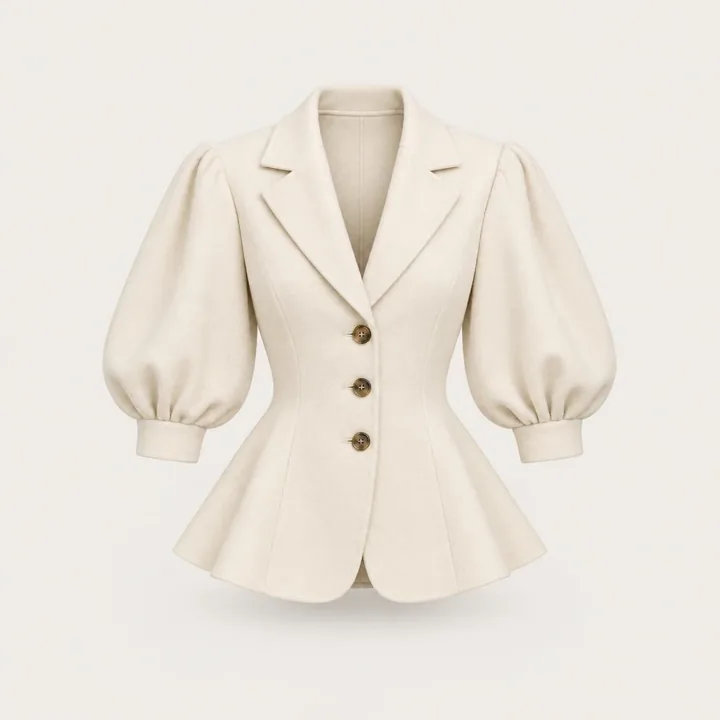 Balloon Sleeve Jacket2,361
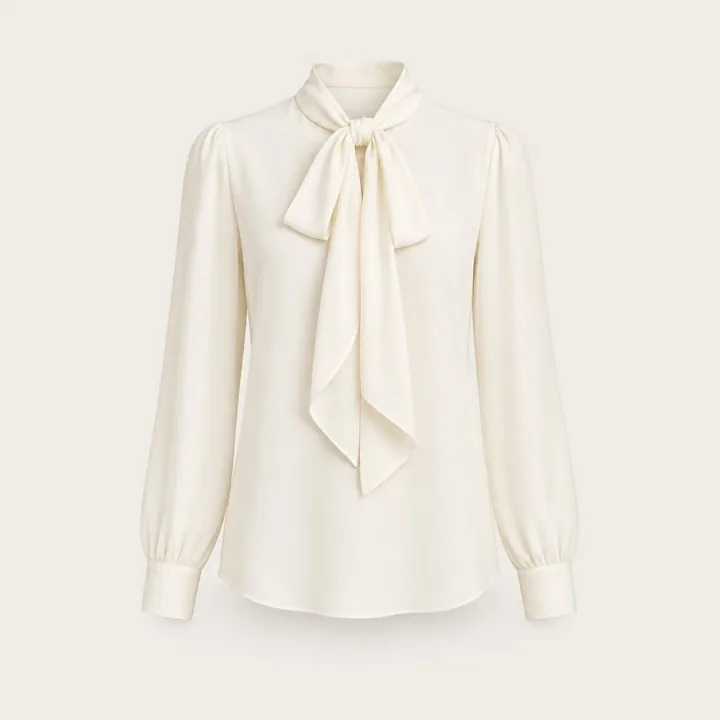 Silk Bow Blouse1,948
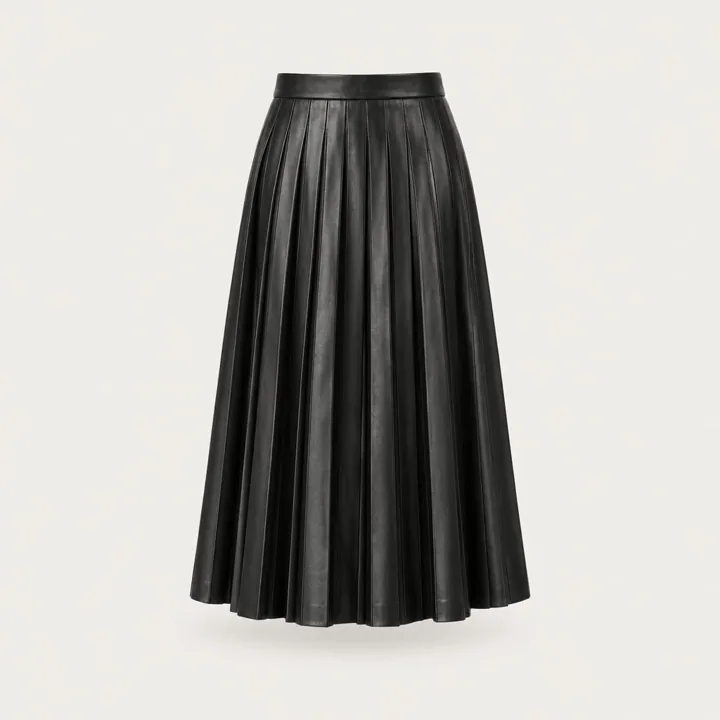 Pleated Leather Midi Skirt1,502
Your store, default
Try it onA luxury label
Try it onAn outdoor brand
Try it onYour brand, not ours
Set colours, corners, type and button style from the console with a live preview, or add your own CSS. Write a style direction and every look is shot to match your campaign imagery.
Safe by design
Trust is what makes a shopper upload a photo. Instawear is built so they can, and so your brand is never shown next to something it shouldn't be.
Nudity, anyone under 18, well-known people and group photos are blocked before anything is made.
They choose what to save, can stop a shared link, and can erase their photos and looks at any time.
Photo, age and marketing consents are recorded per shopper and per store, ready for privacy requests.
Runs on Cloudflare's global network, so the Fitting Room is fast wherever your shoppers are.
Integrations
Install the Shopify app, connect Salesforce Commerce Cloud, or paste one script tag into any site. Instawear reads your catalogue and adds to your own bag and checkout.
An app with a theme block for the button. Sales from looks are matched to orders automatically.
Instawear on your Commerce Cloud storefront, working from your catalogue.
One script tag, with a JavaScript API for headless and custom builds.
The AI Stylist hands over to Gorgias, INSIDE or your own chat when a person should take over.
<!-- Instawear Fitting Room -->
<script src="https://cdn.instawear.co/embed.js"
        data-client="your-store" async></script>

<!-- Any button can open it -->
<button data-instawear-try>Try it on</button>
Get started
Tell us about your store. We'll show you Instawear on your own products and set up your account.
FAQ
Tops, knitwear, jackets and coats, dresses and skirts, trousers and jeans, shoes, bags and jewellery. You choose which categories and products show the button.
Usually around 15 seconds. Shoppers can keep browsing while it's made, and their looks are saved for later.
Not to shop online: the Fitting Room opens in a panel on your own product pages, on any phone or computer. In your stores, shoppers use the Instawear app to scan a product's barcode and try it on. Display a QR code so they can get the app, and your team can help them take their first full-length photo.
No. Instawear works from the product images you already have in your catalogue.
Every photo is checked before use, shoppers choose what to keep and can erase it at any time, and consents are recorded for each store. Marketing messages only go to shoppers who opted in.
Plans depend on your range and how many looks your shoppers make. Request a demo and we'll send pricing for your store.
Yes. Test mode shows Instawear only to your team, on your live site, until you switch it on.